Room for every layer of your idea.
Layer groups, blend modes, clipping masks and editable type. Open, edit and save layered PSD and PSB files, right where your inspiration left off.
PhotoCraft · Free, open-source photo editor
Meet PhotoCraft. A free, open-source photo editor.
Familiar layers, masks and real PSD files. All the room your next great idea needs to grow.
Your files. A world of possibilities.
From the first brushstroke to the final export. A full creative toolkit that keeps your workflow familiar and your choices open.
Layer groups, blend modes, clipping masks and editable type. Open, edit and save layered PSD and PSB files, right where your inspiration left off.
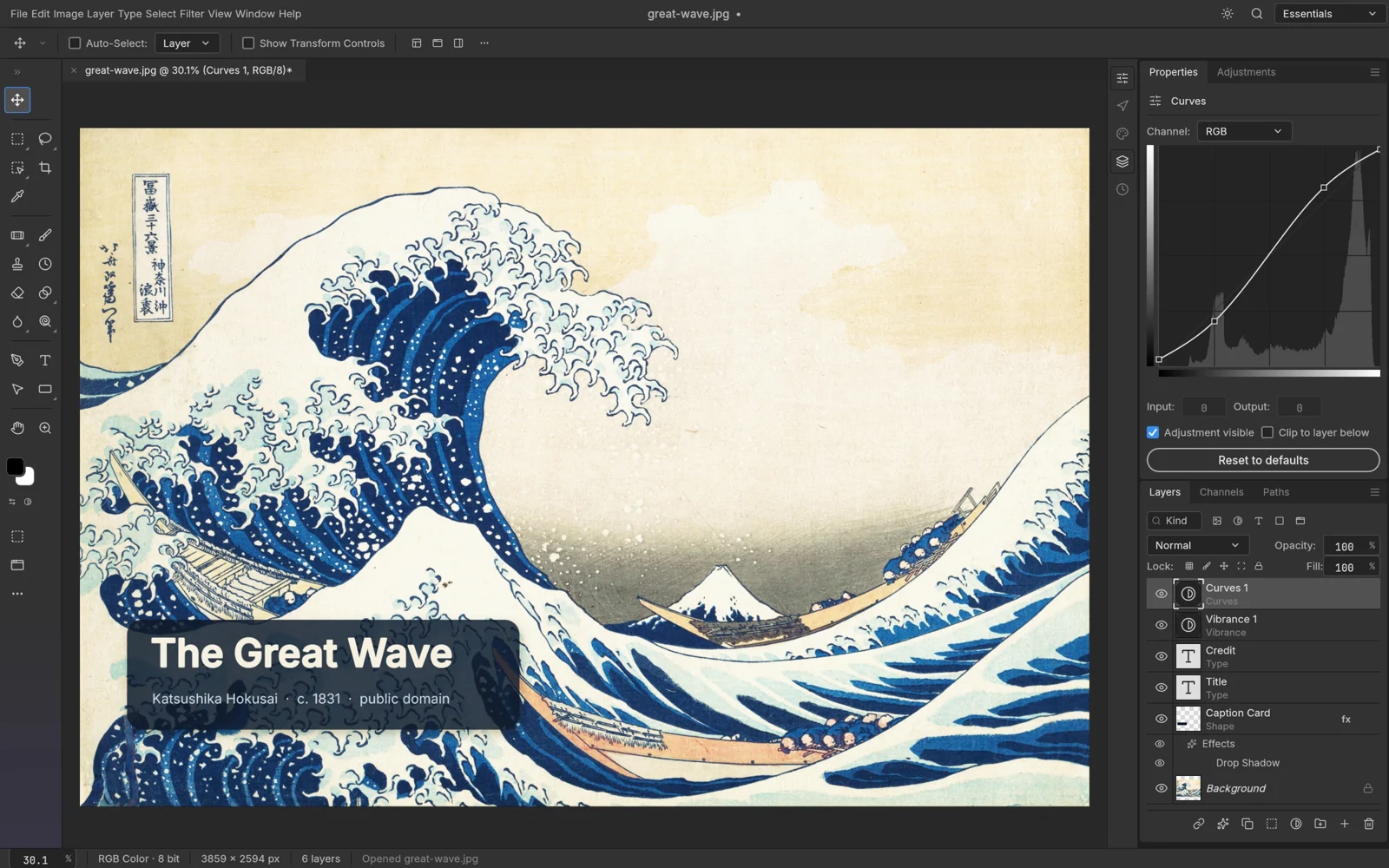
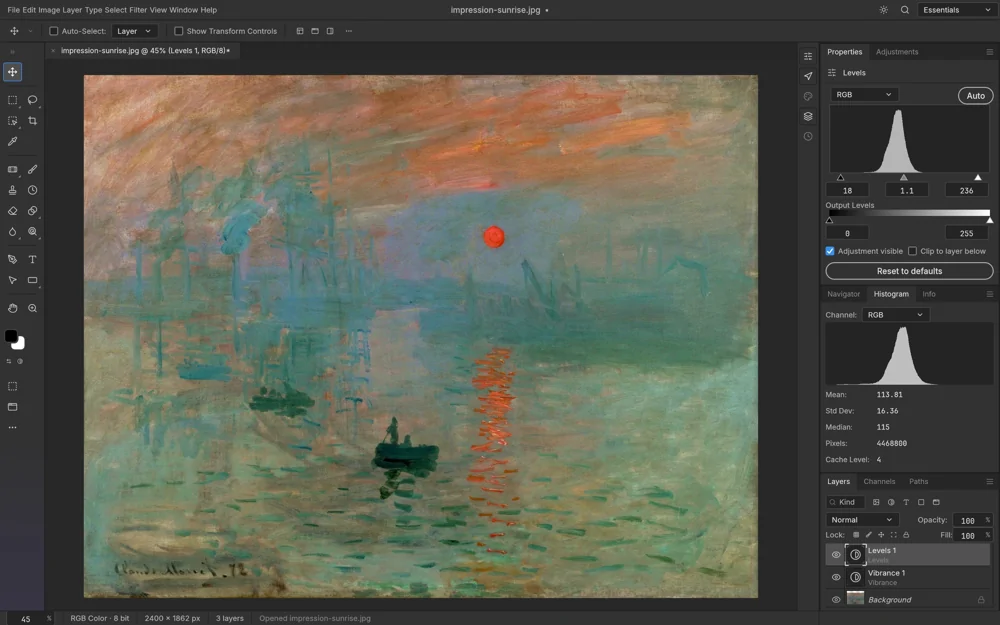
Curves, Levels, Hue/Saturation and more. Adjustment layers preserve your original pixels, so you can stack, mask and reorder every creative choice.
Brushes, paths, shapes and selections. From a subtle retouch to a vector outline, keep it all on one canvas.
Written in Rust, with wgpu-powered GPU compositing. A native desktop app that puts your device to work.
Edit locally, without an account or cloud uploads. Unplug, settle in and stay focused on the canvas.
No subscription lock-in. No gatekeeping. PhotoCraft is open source under MIT / Apache-2.0. Anyone can inspect the code, build it and help make it better.
Explore the source & contributeChoose your platform. Download PhotoCraft. Start making something yours.
Intel / AMD 64-bit PCs
MSI installer
Apple silicon & Intel Macs
Universal DMG installer
x86_64 desktops
Portable AppImage
PhotoCraft is early alpha. Back up important documents before editing, and check the project documentation for PSD compatibility and supported features.
The following packages are from upstream GitHub. Their version and sizes do not describe the files in the shared folder.
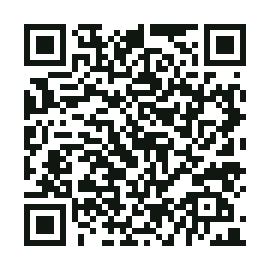
Windows, macOS and Linux versions use one Quark Drive folder. Scan the QR code or open the link, choose your platform and follow the installation guide.
From retouching a photo to building a typographic image, PhotoCraft combines pixels, vectors and type in one native editor.
Keep the layers so the work can continue. PhotoCraft offers a local PSD and PSB workflow with compatibility limits that matter during early alpha.
Find a guide by the task you want to complete, from installation to your first export. Each guide follows a real workflow and links to the relevant downloads and feature information.
Before downloading, learn about licensing, platforms, file compatibility and project provenance. Each answer is available directly on this page.
Understand the software you are downloading, the team behind it and the role of this information site.
A few things before you make your first mark. For the details, head to the project documentation.
Read the project docsPhotoCraft is a free, open-source photo editor developed by the ArtCraft team and written in pure Rust. It includes layers, masks, adjustment layers, type, vectors and brushes, with support for opening, editing and saving PSD documents.
Yes. PhotoCraft is open source under the MIT / Apache-2.0 dual license. The desktop application is free to download and use, with no subscription. The repository’s license files contain the full terms.
Builds are available for Windows, macOS, Linux and FreeBSD, along with a self-hostable WebAssembly version. Windows offers x64, ARM64 and x86 builds. The universal macOS build supports Apple silicon and Intel. Linux packages include AppImage, DEB, RPM, Flatpak and tarballs.
Yes, it can open, edit and save layered PSD and PSB documents. Layers, masks, editable type and many layer styles are supported. PhotoCraft is early alpha, and not every Photoshop feature is fully compatible. Keep original backups and consult the documentation and release notes for current support.
The desktop application edits photos locally and works offline, without an account or uploading photos to the cloud. Downloading the installer and accessing online project resources require a connection.
Most Windows PCs use the x64 MSI installer; ARM PCs use ARM64. On macOS, choose the universal DMG. On Linux, choose an AppImage for your architecture and make it executable, or install a DEB / RPM for your distribution. Open the application and use the File menu to create a document or open an image.
photocraft.it.com is an independent PhotoCraft download and information site. The software is developed by ArtCraft and the open-source community. This site provides one Quark Drive download link for Windows, macOS and Linux, alongside source links to the upstream GitHub Releases. The official product page is getartcraft.com/apps/photocraft.
Free tools. Open possibilities. A creative space of your own.